 Compound
Compound Support
Email: compound.progress.support@gmail.com
We usually reply within a couple of days.
What Compound does
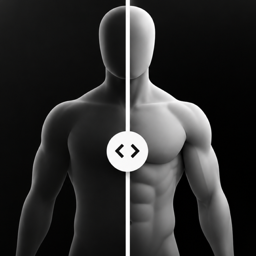
One photo a day. Line yourself up with yesterday's photo, tap the shutter, done. Every month a before/after slider unlocks so you can see the change. Everything stays on your phone.
Frequently asked questions
Where are my photos?
Only on your phone, inside the app. They're not uploaded anywhere and they don't appear in your camera roll. See the Privacy Policy for details.
How do I get my photos out?
Settings → Export Photos. Pick a folder (iCloud Drive, Google Drive, On My iPhone…) and the app copies every photo, named by date, plus a file with your settings.
How do I delete everything?
Settings → Delete All Data. You can also delete a single day by opening it from the calendar. Uninstalling the app also removes all of its data.
I got a new phone. Can I move my photos?
On iOS, Compound's photos are part of your regular iPhone backup, so restoring the new phone from backup brings them along. On Android they are not backed up automatically: use Export Photos before switching, then keep the exported folder.
The daily reminder isn't showing up.
Check that notifications are allowed for Compound in your phone's Settings, that the reminder is switched on in Compound's Settings, and that Focus/Do Not Disturb isn't silencing it at that time.
Face ID lock isn't working.
Face ID / fingerprint must be set up on the phone first. If it fails, the lock falls back to your device passcode.
Can I retake today's photo?
Yes. Open the camera again; it'll ask before replacing today's photo.
Why doesn't a milestone unlock exactly on the day?
A comparison unlocks with the first photo taken on or after that day. If you miss day 30, the day-31 photo unlocks it.